
${{amount}}
0

Your Cart is Empty

products
Support
Payloads

Theme Studio Pro

Make your WiFi Pineapple Pager unmistakably yours.

Meet Theme Studio Pro — the browser-based theme editor built specifically for the WiFi Pineapple Pager.

Create, customize, and preview every screen of your Pager's interface with a true pixel-for-pixel rendering of how it will look on the device. No tedious file transfers, no guesswork. Just edit, preview, and perfect your theme in real time.

Start with the official theme, customize your own, or explore creations from the community. Whether you're making a few tweaks or building an entirely new interface, Theme Studio Pro gives you the tools to make it happen.

✓ Instant Access   ✓ 100% Browser-Based   ✓ Your Themes Stay Local

Instant Download

This item is available for download immediately upon purchase.


What you see is what the Pager draws

Design themes, pixel for pixel

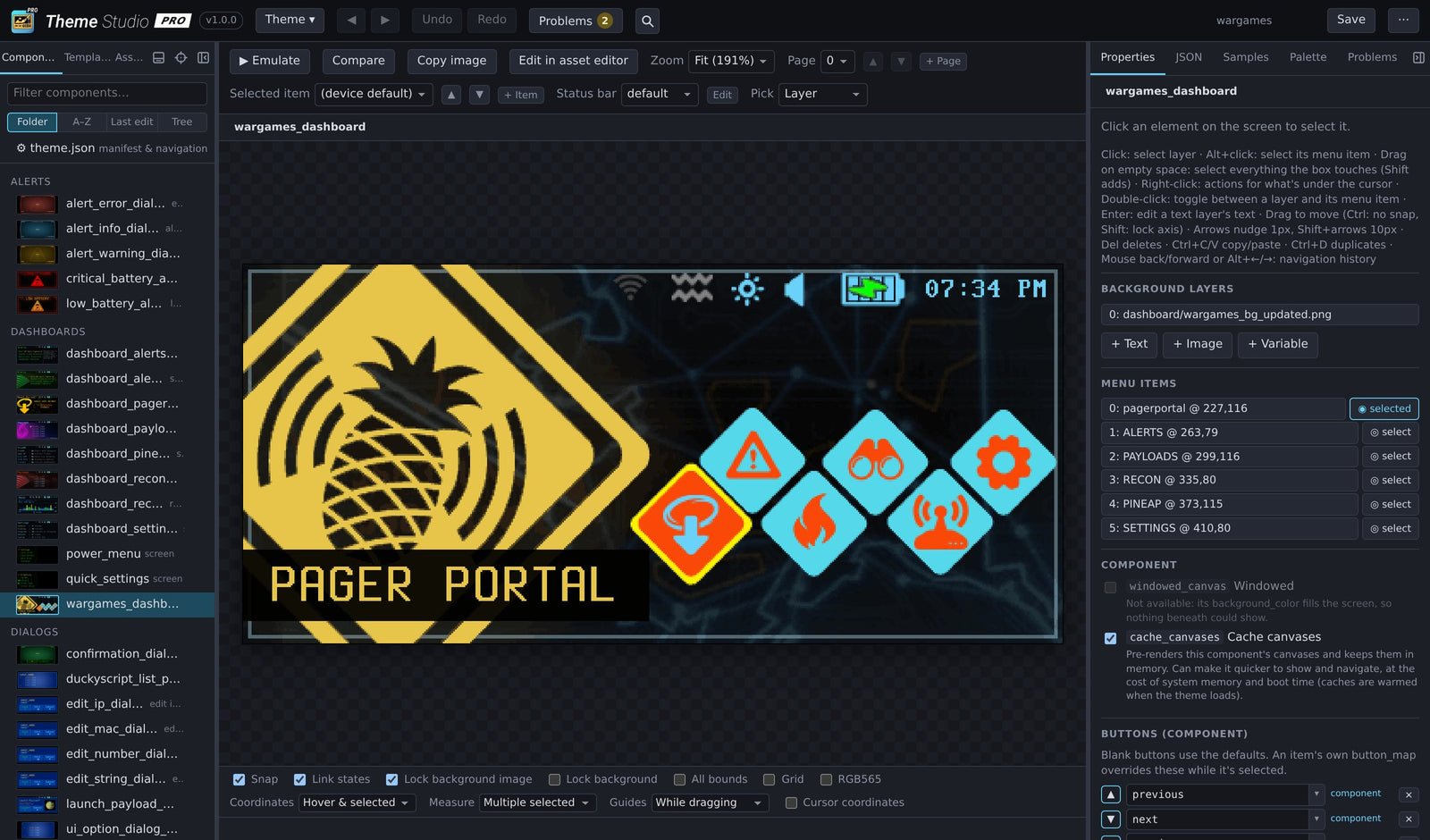
Theme Studio renders every screen exactly as the Pager does: the same fonts, colors, layout and status bars, down to the last pixel. 

Theme Studio editing the Pager's dashboard

Built for our own theme work

One tool instead of a whole toolchain

At Hak5, creating a Pager theme once meant juggling expensive professional design software, manually editing JSON, maintaining custom scripts, and repeatedly loading themes onto a device just to see the results.

We built Theme Studio Pro to replace that entire workflow. Everything we needed, finally in one place.

  • Illustrator
  • Photoshop
  • Text editor & JSON
  • Custom scripts & helpers
  • Hours of on-device testing
Theme Studio Pro

Every screen on the Pager

Dashboards, menus, recon, settings, dialogs and alerts: open any of them and edit directly.

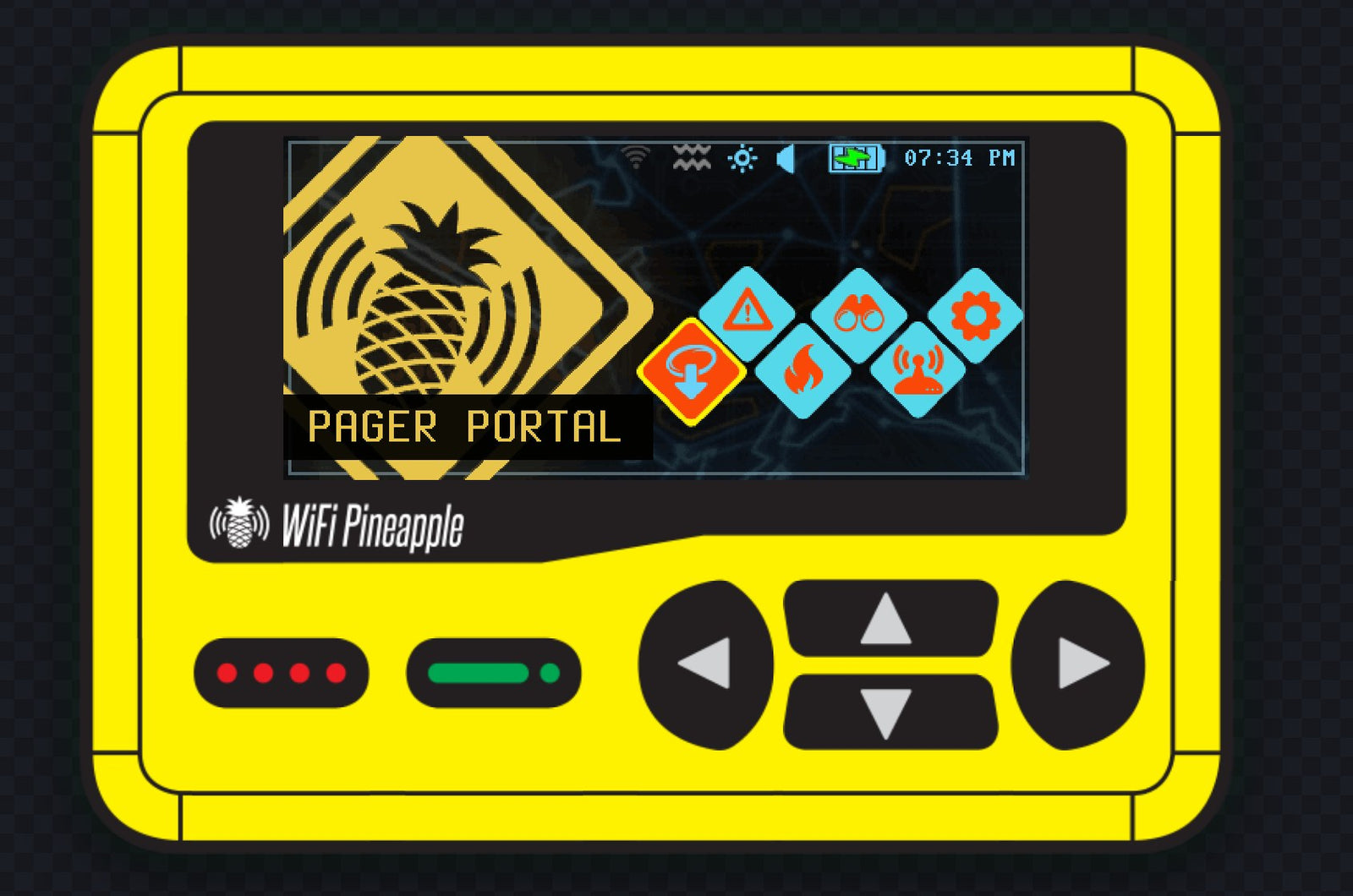
Dashboard
Dashboard
Recon
Recon
Recon results
Recon results
Settings
Settings
Payload portal
Payload portal
Lock screen
Lock screen

Multi-select & Transform

Skip the hours of guesswork

Respacing a menu used to mean mocking it up in an image editor, working out every x and y, typing them into the JSON, then loading the theme on the Pager by hand.

Now just drag a box around the rows and space them, distribute them or line them up, with the measurements right in Theme Studio.

Community themes

Make it your own

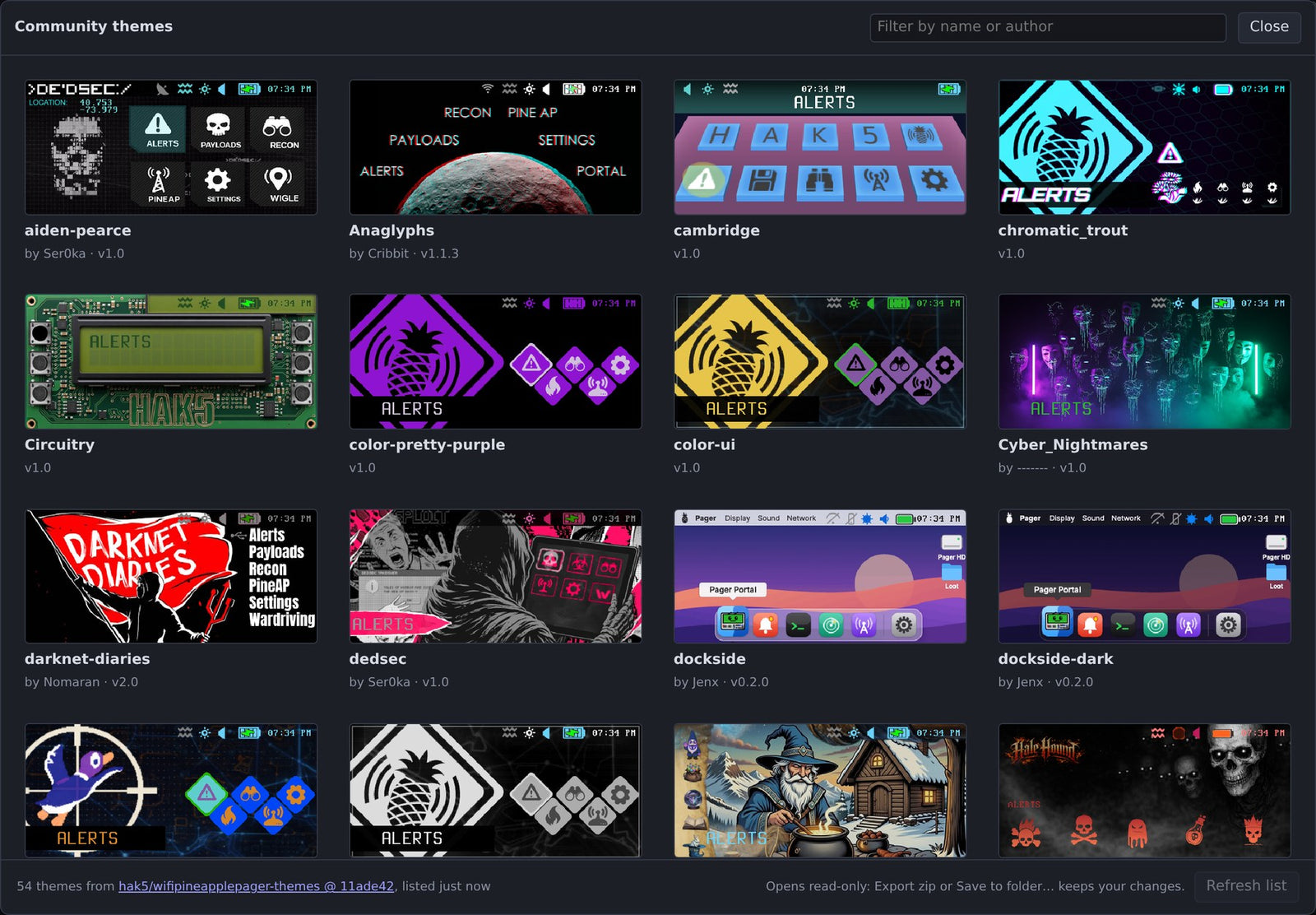
Browse the themes the Pager community has shared in the Hak5 themes repository. 
Open one in a click, make it your own, and save or export it.

Everything a theme needs

Editing a text layer on the dashboard

Edit on the screen

Click it. Move it. Done.

Select any text, image or menu item right on the screen and drag it, nudge it a pixel at a time, or restyle it in the properties panel. 

Undo and history cover every change, and saving writes only the files you touched

The JSON tab beside the screen, with coordinates and guides

Precision

Pixel-Perfect Control

Coordinates, guides, measurements, snapping and a grid show exactly where everything sits, removing the guesswork. 

The virtual Pager in Emulate

Emulate

Try it before you load it

Drive your theme with the Pager's own D-pad and buttons on a virtual Pager: move between menu items, open screens and follow your navigation, exactly as it will behave on the device.

The asset editor painting the dashboard

Asset editor

Paint your pixels in place

Open a screen in the built-in asset editor and every image becomes a layer, with the screen drawn as the Pager shows it. Pencil, brush, fill, selections, text and the theme's own palette are all there.

Batch optimizing every image in the theme

Optimizer

Lighter, faster themes

Batch optimize so your assets load faster, so your theme isn't just smaller: the Pager runs it more efficiently.

Review every image before and after, fine-tune any of them, and keep the originals you prefer.

The Problems view

Smart Validation

No guessing. Get it right.

Checks your whole theme as you work: missing images, broken links between screens, settings the Pager ignores, buttons that do nothing, layouts that won't behave.

What's new in the firmware, for an older theme

What's new

Keep up with every firmware

Theme Studio lists what your theme is missing, shows how the official theme looks, and adds it to yours with one click.

Review changes: the saved and changed screen side by side, and the diff

Review changes

Know what you're saving

Before you save, see every changed file: the screen as saved beside the screen now, and a line-by-line diff. Undo a single edit, revert a file, or export just your changes.

Compare

See exactly what changed

Compare your work, pixel for pixel. Compare it with the default theme or another version the same way, or put them side by side.

And more

Editor color schemes

Your editor, your vibe

Choose from 40 color schemes for the editor itself, dark and light, from Dracula to Solarized.

History: every edit, newest first

Every edit stored

Theme Studio lists each change in plain words, newest first. Click one to go to it, undo it on its own, or revert the theme to that point.

Theme Studio on a phone

Mobile device support

A phone layout for checking and tweaking a theme away from your desk.

Everything else

  • Unsaved work survives closing the browser
  • Search names, assets and the text of every file
  • Copy any screen as a PNG
  • Save straight to your theme folder in Chrome and Edge
  • Export the whole theme, or just your changes, as a zip

How it works

Get your key

Your license key arrives by email as soon as you order.

Sign in

Open themestudio.hak5.org and sign in with your email and key. Nothing to install.

Design

Start a new theme from the official one, open your own theme folder, or pick a community theme.

Load it

Save straight to your theme folder, or export a zip, and put it on your Pager.

Make your Pager yours

A one-time purchase. Sign in from any computer, start a theme in minutes, and see every change exactly as the Pager will show it.

Get Theme Studio ProWorks best in Chrome or Edge

FAQ

Do I need a WiFi Pineapple Pager?

To put your themes to use, yes: Theme Studio makes themes for the Pager. You can design and preview without one, since the editor draws every screen and the virtual Pager lets you click through it.

Which browsers does it work in?

Chrome and Edge get everything, including editing a theme folder in place. Other modern browsers can import a theme folder or zip and export your changes.

Is it a subscription?

No. It's a one-time purchase. Your key keeps working, and updates come to the web app automatically.

Do my themes get uploaded anywhere?

No. Theme Studio works on your theme right in your browser. The files stay on your computer.

Can I start from someone else's theme?

Yes. Start from the official theme, or browse the community themes shared in the Hak5 themes repository and open one to make it your own.

What if the Pager's firmware changes?

Theme Studio tracks the firmware. What's new shows what each release changed in the official theme, and can add those changes to yours.

I lost my license key

Look it up with your order number on the sign-in page (Forgot?), or contact Hak5 support.


Notification Channels

x